
Choosing the right WordPress SEO company can make the difference between a website that ranks on page one and one that struggles to get noticed. With WordPress powering over 40% of all websites in 2026, the platform has become a primary target for businesses looking to improve their search visibility. But not all SEO providers understand WordPress the same way, and finding a partner who knows both SEO fundamentals and WordPress-specific optimization is crucial for long-term success.
What Makes a WordPress SEO Company Different
A WordPress SEO company specializes in optimizing websites built on the WordPress platform, combining technical SEO knowledge with WordPress-specific expertise. Unlike general SEO agencies, these specialists understand how themes, plugins, database structures, and WordPress core updates affect search performance.
WordPress has unique challenges that generic SEO approaches often miss. The platform’s reliance on plugins can create code bloat, slow page speeds, and security vulnerabilities that hurt rankings. A specialized company knows which plugins conflict with SEO goals and which ones enhance them.
Key differentiators include:
- Deep understanding of WordPress architecture and how it affects crawling
- Experience with popular page builders like Elementor, Gutenberg, and Divi
- Knowledge of WordPress-specific structured data implementation
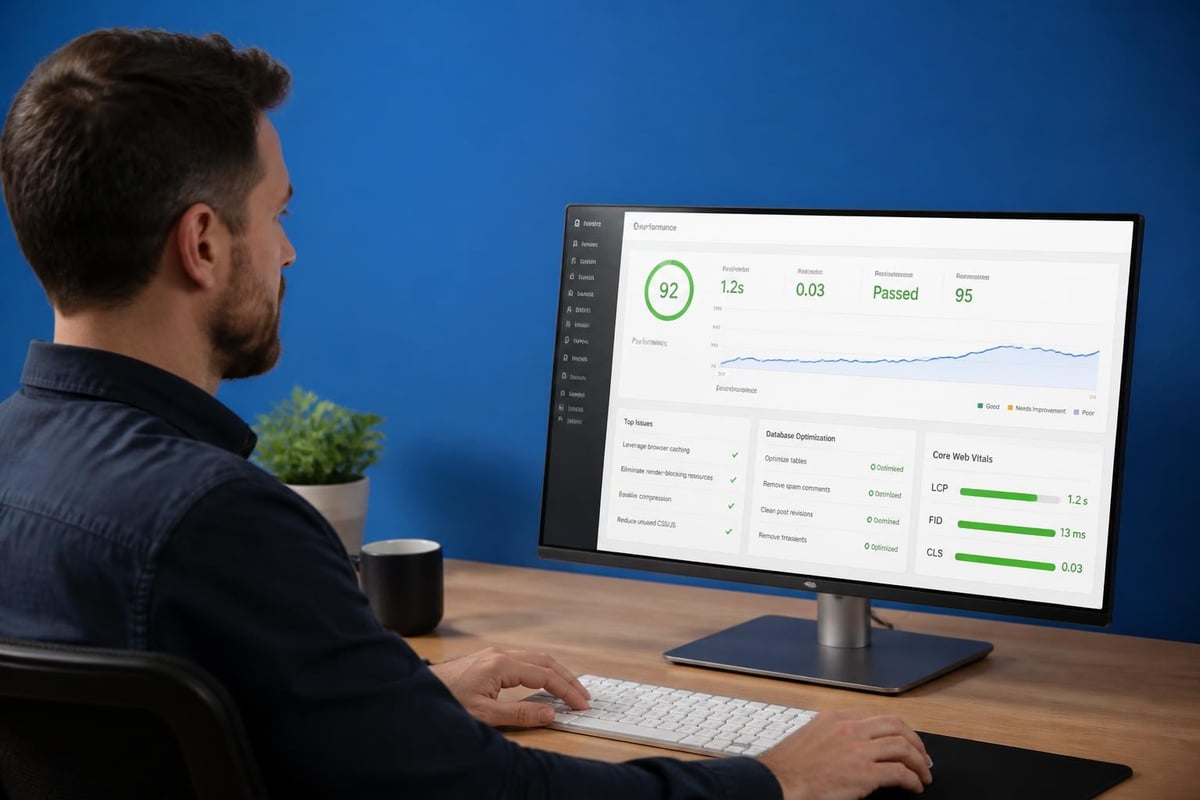
- Familiarity with caching plugins and their impact on Core Web Vitals
- Expertise in migrating WordPress sites without losing rankings
These companies also stay current with how WordPress is evolving to meet both human and AI-driven search, particularly as generative engine optimization becomes more important in 2026.
Core Services Every WordPress SEO Company Should Offer
A comprehensive WordPress SEO company delivers a full spectrum of services that address both on-page and technical optimization needs. The best providers don’t just fix what’s broken but build systems that keep your site healthy as WordPress evolves.
Technical WordPress Audits
Your SEO partner should conduct thorough technical audits that examine:
- Site speed and Core Web Vitals scores
- Mobile responsiveness across devices
- Crawl errors and indexation issues
- Schema markup implementation
- SSL certificate and security protocols
- XML sitemap functionality
- Robots.txt configuration
These audits reveal problems that standard SEO tools might miss because they require WordPress-specific knowledge to interpret correctly.
On-Page Optimization
WordPress makes on-page SEO easier in some ways and more complex in others. A quality company optimizes:
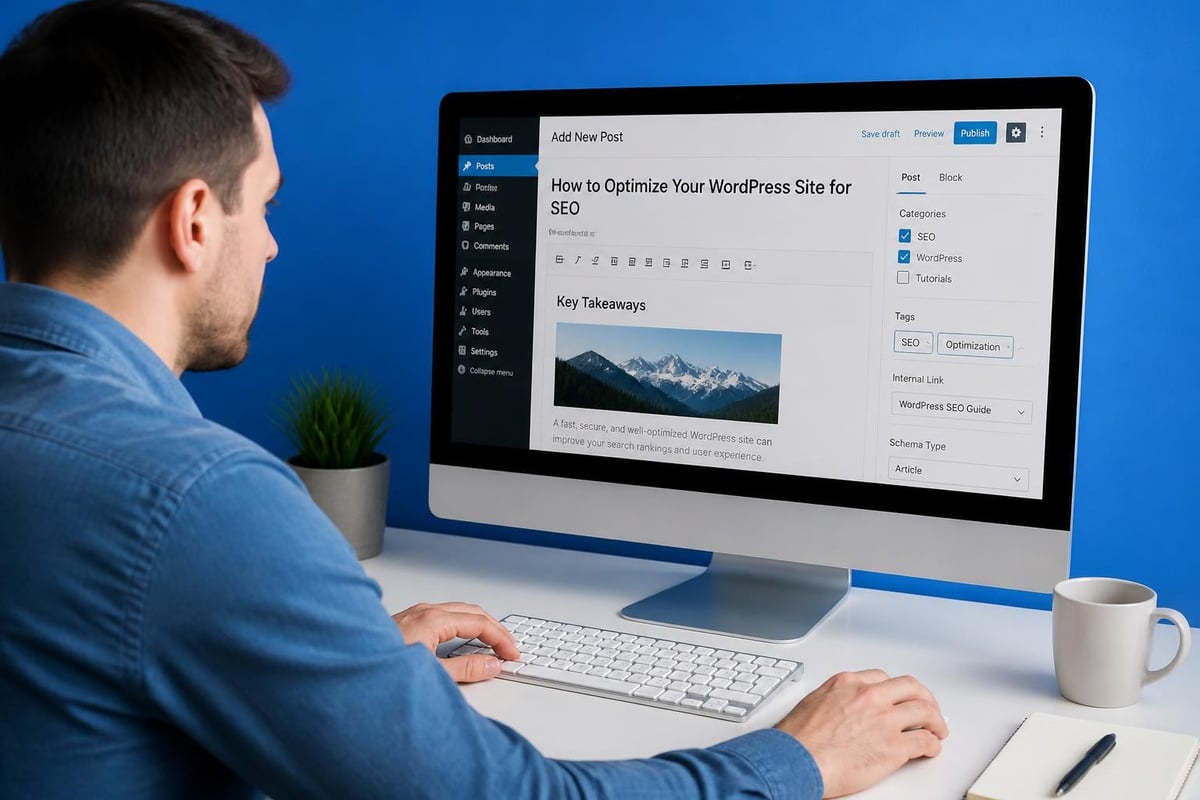
- Title tags and meta descriptions through SEO plugins
- Header tag hierarchy within your theme
- Internal linking structures using WordPress menus and content
- Image optimization including alt text and lazy loading
- URL structures with proper permalink settings
- Category and tag taxonomy for better site architecture
For businesses looking for specialized support, WordPress SEO services that understand these platform nuances deliver better results than generic approaches.
Content Strategy and Implementation
Content sits at the heart of WordPress, and your SEO company should help you leverage the platform’s content management strengths. This includes:
- Keyword research aligned with your business goals
- Content briefs optimized for WordPress editor
- Publishing schedules using WordPress’s native tools
- Content updates to keep older posts ranking
- Featured image optimization for social sharing
| Content Type | WordPress Feature | SEO Benefit |
|---|---|---|
| Blog posts | Categories/tags | Topic clustering |
| Landing pages | Custom templates | Conversion optimization |
| Case studies | Custom post types | Structured data opportunities |
| Resource hubs | Archive pages | Internal linking power |
The right partner helps you use WordPress’s content features strategically, not just technically.
How to Evaluate a WordPress SEO Company’s Expertise
Evaluating a WordPress SEO company requires looking beyond marketing promises to actual capabilities and proven results. Start by examining their understanding of WordPress fundamentals and how they apply SEO principles within the platform’s constraints.
Ask these specific questions:
- Which WordPress SEO plugins do they recommend and why
- How do they handle theme changes without losing rankings
- What’s their process for optimizing WordPress databases
- How do they approach multisite WordPress installations
- What security measures do they implement alongside SEO
Portfolio and Case Studies
Review their previous WordPress projects. Look for:
- Before and after metrics with specific traffic increases
- Screenshots showing ranking improvements
- Explanations of challenges they solved
- Industries similar to yours
- Site sizes comparable to your own
A company that has helped e-commerce sites won’t necessarily know how to optimize membership sites or blogs. Match their experience to your site type.
Technical Testing and Tools
Professional WordPress SEO companies use specialized tools beyond standard SEO platforms. They should be familiar with:
- Query Monitor for debugging WordPress performance
- WP-CLI for command-line site management
- New Relic or similar for WordPress-specific monitoring
- Security scanners like Sucuri or Wordfence
- Performance testing tools like GTmetrix configured for WordPress
Ask how they use these tools and what metrics they prioritize. Vague answers suggest surface-level knowledge.

The WordPress Hosting and SEO Connection
The hosting environment dramatically affects WordPress SEO performance, and a knowledgeable WordPress SEO company understands this connection deeply. Your hosting choice impacts page speed, uptime, security, and ultimately search rankings.
Managed WordPress hosting providers optimize servers specifically for the platform. Companies like Bluehost offer WordPress-optimized environments that include:
- Server-level caching configured for WordPress
- Automatic WordPress core updates
- Staging environments for testing changes
- PHP version management
- CDN integration
Your SEO partner should evaluate your hosting setup and recommend upgrades when infrastructure limits performance. They might suggest switching from shared hosting to VPS or managed WordPress hosting as traffic grows.
Server Configuration for SEO
Beyond choosing a host, proper server configuration matters. WordPress SEO companies should understand:
- HTTP/2 and HTTP/3 implementation
- Gzip compression settings
- Browser caching headers
- Database optimization schedules
- Backup systems that don’t slow sites
Research shows that security vulnerabilities in WordPress plugins can create SEO problems beyond just getting hacked. A good company monitors plugin security as part of their SEO maintenance.
Plugin Selection and Management Strategy
WordPress plugins extend functionality but can destroy SEO when chosen poorly or configured incorrectly. A WordPress SEO company should have strong opinions about which plugins help and which hurt your rankings.
Essential SEO Plugins
Most companies work with one or two main SEO plugins:
- Yoast SEO – Comprehensive features, user-friendly interface
- Rank Math – Advanced features, better speed than Yoast
- All in One SEO – Good for beginners, solid basics
- SEOPress – Lightweight alternative with white-label options
The plugin choice matters less than how it’s configured. Your SEO partner should customize settings based on your site’s specific needs rather than using defaults.
Performance Plugins
Speed directly impacts rankings in 2026. Critical performance plugins include:
| Plugin Type | Purpose | SEO Impact |
|---|---|---|
| Caching | Serves static HTML | Faster page loads |
| Image optimization | Compresses files | Better Core Web Vitals |
| Database cleanup | Removes overhead | Improved query speed |
| Lazy loading | Defers off-screen content | Faster initial render |
| Minification | Reduces CSS/JS size | Smaller file transfers |
Your WordPress SEO company should test plugin combinations because some conflict with each other. What works for one site might slow down another.
Avoiding Plugin Bloat
Too many plugins kill WordPress performance. Smart companies:
- Audit installed plugins quarterly
- Remove unused plugins completely
- Replace multiple plugins with single solutions
- Code custom functions instead of adding plugins
- Monitor plugin update frequency and support quality
Understanding professional SEO marketing includes knowing when to say no to unnecessary plugins that clients request.
Content Optimization Within WordPress
Content optimization in WordPress goes beyond writing good articles and involves strategic use of the platform’s built-in features and editor capabilities. A skilled WordPress SEO company maximizes these tools to improve content performance.
The block editor (Gutenberg) introduced in recent WordPress versions offers new SEO opportunities:
- Reusable blocks for consistent call-to-action placement
- Column layouts that improve readability
- Table blocks for easy comparison content
- Custom HTML blocks for structured data
- Group blocks for better content organization
Smart companies use these features to create engaging, SEO-friendly content that keeps users on the page longer.
Taxonomy Strategy
WordPress taxonomies (categories and tags) create your site’s information architecture. Professional optimization includes:
- Category structure that matches search intent
- Tag usage that connects related content
- Category descriptions optimized with keywords
- Archive page optimization for category rankings
- Taxonomy cleanup to remove unused terms
Many WordPress sites over-complicate taxonomies. The best approach keeps categories limited (5-10 for most sites) and uses tags sparingly for content connections.
Internal Linking Automation
WordPress features enable systematic internal linking:
- Related posts plugins that actually help SEO
- Contextual link insertion in post content
- Menu-based navigation structures
- Widget areas for strategic link placement
- Footer links to important pages
Your SEO company should build internal linking processes that scale as content grows. Manual linking becomes impossible beyond 100+ posts.
WordPress Security and Its SEO Implications
WordPress security directly affects SEO performance because search engines penalize compromised sites and users avoid sites that seem unsafe. A comprehensive WordPress SEO company includes security as part of their service offering.
Security elements that impact SEO:
- SSL certificates and HTTPS implementation
- Regular malware scanning and removal
- Plugin vulnerability monitoring
- User access management
- Database security hardening
- File permission settings
- Login page protection
Studies on content injection vulnerabilities in WordPress show how quickly security problems can damage search rankings. Sites that get hacked often see traffic drops of 50% or more.
Prevention and Monitoring
Proactive security monitoring prevents SEO disasters:
- Daily automated backups with offsite storage
- Real-time malware scanning that alerts immediately
- Failed login monitoring to catch brute force attacks
- File integrity monitoring to detect unauthorized changes
- Security headers properly configured
Your WordPress SEO company should partner with or provide these security services. Waiting until after a hack to fix security means lost rankings and traffic.
Mobile Optimization for WordPress Sites
Mobile optimization remains critical in 2026 as mobile-first indexing dominates how Google evaluates websites. WordPress SEO companies must ensure sites perform excellently on smartphones and tablets.
Responsive Theme Selection
Your theme determines mobile performance more than any other factor:
- Choose themes built mobile-first
- Test theme demos on actual devices
- Check Core Web Vitals scores on mobile
- Verify touch targets meet size requirements
- Ensure readable text without zooming
Many beautiful WordPress themes fail on mobile. Your SEO partner should prioritize mobile performance over desktop aesthetics.
Mobile-Specific Optimizations
Beyond responsive themes, mobile SEO requires:
- Accelerated Mobile Pages (AMP) for news content
- Touch-friendly navigation menus
- Mobile-optimized forms that work with autocomplete
- Click-to-call buttons for phone numbers
- Compressed images specifically for mobile
Test your WordPress site using Google’s Mobile-Friendly Test and review recommendations. Your SEO company should address every issue identified.
WordPress SEO Reporting and Analytics
Transparent reporting separates professional WordPress SEO companies from mediocre ones. You should receive regular updates showing progress on metrics that matter to your business.
Essential metrics to track:
- Organic traffic growth by segment
- Keyword ranking improvements
- Core Web Vitals scores
- Conversion rate changes
- Page load speed trends
- Mobile vs desktop performance
- Backlink profile growth
WordPress-Specific Analytics Setup
Proper analytics configuration in WordPress requires:
| Tool | Purpose | WordPress Integration |
|---|---|---|
| Google Analytics 4 | Traffic analysis | Via plugin or header code |
| Google Search Console | Search performance | Property verification |
| Hotjar/Microsoft Clarity | User behavior | Heat maps and recordings |
| Matomo | Privacy-focused analytics | Self-hosted WordPress plugin |
Your company should set up goal tracking, event tracking, and enhanced ecommerce (if applicable) within WordPress. Generic analytics miss important user interactions.
Custom Dashboard Creation
Advanced WordPress SEO companies build custom dashboards showing:
- Real-time traffic data
- Ranking position changes
- Top performing content
- Conversion funnel metrics
- Technical health indicators
These dashboards live within WordPress or use tools like Google Data Studio to pull WordPress data automatically. You shouldn’t have to log into five different platforms to understand performance.
When working with professional SEO specialists, expect clear reporting that explains results in business terms, not just technical jargon.
Ongoing WordPress Maintenance and SEO
WordPress requires continuous maintenance to maintain search rankings and security. A reliable WordPress SEO company provides ongoing support rather than one-time optimization.
Regular Update Management
WordPress releases core updates regularly, and your SEO partner should:
- Test updates in staging environments first
- Apply security patches within 24 hours
- Update plugins on a regular schedule
- Test site functionality after updates
- Maintain compatibility with SEO configurations
Sites that fall behind on updates become security risks and compatibility problems emerge that hurt rankings.
Content Refresh Strategies
Old content loses rankings over time. Ongoing SEO includes:
- Quarterly content audits identifying underperforming pages
- Strategic content updates with new information
- Image replacements and multimedia additions
- Internal link updates to newer content
- Keyword targeting adjustments based on current trends
Research on search engine optimization and content quality shows that fresh, updated content consistently outperforms abandoned pages.
Performance Monitoring
Your WordPress SEO company should continuously monitor:
- Page speed trends across key pages
- Uptime percentages and downtime incidents
- Error log patterns indicating problems
- Database size growth requiring optimization
- Broken links internally and externally
Waiting for problems to affect rankings means playing catchup. Proactive monitoring prevents issues before they damage traffic.
WordPress SEO Pricing and Service Models
WordPress SEO company pricing varies widely based on service scope, expertise level, and your site’s complexity. Understanding common pricing models helps you budget appropriately and compare proposals.
Typical pricing structures include:
- Monthly retainers ($500-$5,000+) for ongoing optimization
- Project-based fees ($2,000-$20,000+) for site rebuilds or migrations
- Hourly consulting ($100-$300+) for specific issues
- Performance-based pricing tied to ranking or traffic improvements
What Affects WordPress SEO Costs
Several factors influence pricing:
- Site size – More pages require more optimization work
- Competition level – Competitive industries need more resources
- Current state – Badly broken sites cost more to fix
- Content needs – New content creation adds expense
- Technical complexity – Custom development increases costs
- Geographic location – Local providers vary by market
Philippine-based providers often offer better value than US or European agencies while maintaining quality standards. For businesses considering cost-effective options, exploring SEO packages in the Philippines reveals how experienced specialists deliver results at competitive rates.
Service Package Comparison
| Package Level | Monthly Investment | Included Services | Best For |
|---|---|---|---|
| Basic | $500-$1,500 | Technical SEO, reporting | Small sites, limited competition |
| Standard | $1,500-$3,500 | Technical, content, some links | Growing businesses |
| Advanced | $3,500-$7,500 | Full service, custom strategy | Competitive markets |
| Enterprise | $7,500+ | Dedicated team, custom development | Large sites, high competition |
Beware of extremely cheap SEO services that promise first-page rankings. Quality WordPress optimization requires skilled work that cheap providers can’t deliver profitably.
Red Flags When Choosing a WordPress SEO Company
Not all WordPress SEO companies deliver what they promise. Recognizing warning signs prevents costly mistakes and wasted time with ineffective providers.
Major red flags to watch for:
- Guaranteed rankings within specific timeframes
- Lack of transparent reporting or dashboard access
- Refusal to explain their optimization methods
- No WordPress-specific certifications or credentials
- Outsourcing to unknown third parties without disclosure
- Using automated tools exclusively
- No references or verifiable case studies
Black Hat Tactics to Avoid
Some companies use risky techniques that provide short-term gains but long-term damage:
- Private blog networks (PBNs) for artificial backlinks
- Keyword stuffing in content or metadata
- Cloaking to show different content to search engines
- Link schemes involving paid links or exchanges
- Automated content generation without human review
- Scraped or duplicate content from other sites
These tactics violate search engine guidelines and can result in manual penalties that destroy your rankings. Recovery takes months or years.
Communication and Transparency Standards
Professional companies maintain clear communication:
- Respond to inquiries within 24-48 hours
- Provide scheduled status updates monthly or quarterly
- Explain technical concepts in understandable terms
- Share both successes and challenges honestly
- Give advance notice of strategy changes
If your WordPress SEO company goes silent for weeks or can’t explain their work, find a better partner.
WordPress Multisite SEO Considerations
WordPress multisite installations present unique SEO challenges that require specialized knowledge. Companies working with multisite networks must understand how the architecture affects search optimization.
Subdomain vs Subdirectory Structure
Multisite can use subdomains or subdirectories:
- Subdomains (site1.domain.com) – Treated as separate sites by search engines
- Subdirectories (domain.com/site1) – Share domain authority more effectively
Your SEO strategy differs based on structure choice. Subdirectories typically benefit from shared domain authority while subdomains build independent authority.
Managing SEO Across Network Sites
Multisite SEO includes:
- Consistent SEO plugin configuration across sites
- Centralized analytics tracking all sites
- Shared optimization standards for quality control
- Cross-site internal linking strategies
- Individual keyword targeting per site
Network administrators need site-specific permissions to manage SEO settings without compromising network security.
International and Multilingual WordPress SEO
WordPress makes creating multilingual websites relatively simple, but international SEO requires careful planning and execution. A competent WordPress SEO company handles language and geographic targeting correctly.
Plugin Selection for Multilingual Sites
Popular multilingual plugins include:
- WPML – Most comprehensive, premium pricing
- Polylang – Free core, paid extensions
- TranslatePress – Visual translation interface
- Weglot – Automatic translation, premium service
Each plugin handles URLs, hreflang tags, and content management differently. Your SEO company should select based on your specific requirements.
Hreflang Implementation
Proper hreflang implementation prevents duplicate content issues across language versions:
- Tag each page version with its language code
- Include x-default tag for default version
- Ensure bidirectional linking between versions
- Verify implementation using Google Search Console
Many WordPress sites incorrectly implement hreflang, causing indexation problems. Professional setup prevents these issues.
E-Commerce WordPress SEO with WooCommerce
WooCommerce powers millions of online stores on WordPress, creating specific SEO challenges around product pages, categories, and technical implementation. Specialized WordPress SEO companies understand e-commerce optimization deeply.
Product Page Optimization
WooCommerce product pages need:
- Unique product descriptions avoiding manufacturer content
- Schema markup for products, prices, and reviews
- Optimized product images with descriptive filenames
- Customer reviews properly marked up for rich snippets
- Related products strategically linked
Many stores use duplicate descriptions across similar products. Your SEO partner should create unique content or implement canonical tags properly.
Category and Archive Optimization
WooCommerce creates numerous archive pages that can rank:
- Product categories targeting category keywords
- Tag archives connecting related products
- Brand archives for manufacturer searches
- Attribute archives (size, color, material)
Each archive type needs optimization strategy to avoid thin content penalties while capturing relevant searches.
Technical WooCommerce SEO
E-commerce sites face technical challenges:
- Managing faceted navigation without creating duplicate URLs
- Handling out-of-stock products appropriately
- Optimizing product variation indexation
- Managing cart and checkout page indexation
- Improving site speed despite numerous products
Tools like SurferSEO help optimize WooCommerce content systematically, ensuring consistent quality across product pages.
Conclusion
Finding the right WordPress SEO company means looking beyond promises to actual WordPress expertise, proven processes, and transparent communication that fits your business needs. The platform’s unique combination of flexibility and complexity requires specialists who understand both technical SEO fundamentals and WordPress-specific optimization strategies that drive sustainable results.
Whether you need comprehensive site optimization, ongoing maintenance, or strategic consultation, Cyrel P. Nicolas brings nearly 15 years of WordPress and SEO experience to help your website rank higher, attract qualified traffic, and convert visitors into customers through proven optimization techniques tailored to your industry and goals.